select * from nls_database_parameters where parameter='NLS_CHARACTERSET'or parameter='NLS_LANGUAGE'or parameter='NLS_NCHAR_CHARACTERSET';
select d.inst_id, t.platform_id, t.platform_name, t.endian_format, d.name FROM v$transportable_platform t, gv$database d where t.platform_name = d.platform_name;
select property_name,property_value from database_properties where property_name='LOCAL_UNDO_ENABLED';
兼容性检查,在源端生成 PDB 的 xml 文件:
1
2
3
4
5
beg indbms_pdb.describe( pdb_descr_file=>'/home/oracle/db1.xml', pdb_name=>'pdb'); end; /
将 db1.xml 复制到目标主机,然后进行检查:
1 2 3 4 5 6 7 8 9 10 11 12
set serveroutput on declare compatible constant varchar2(3):= case dbms_pdb.check_plug_compatibility( pdb_descr_file=>'/home/oracle/db1.xml', pdb_name=>'pdb') WHEN TRUE THEN 'YES' ELSE 'NO' end; begin dbms_output.put_line(compatible); end; /
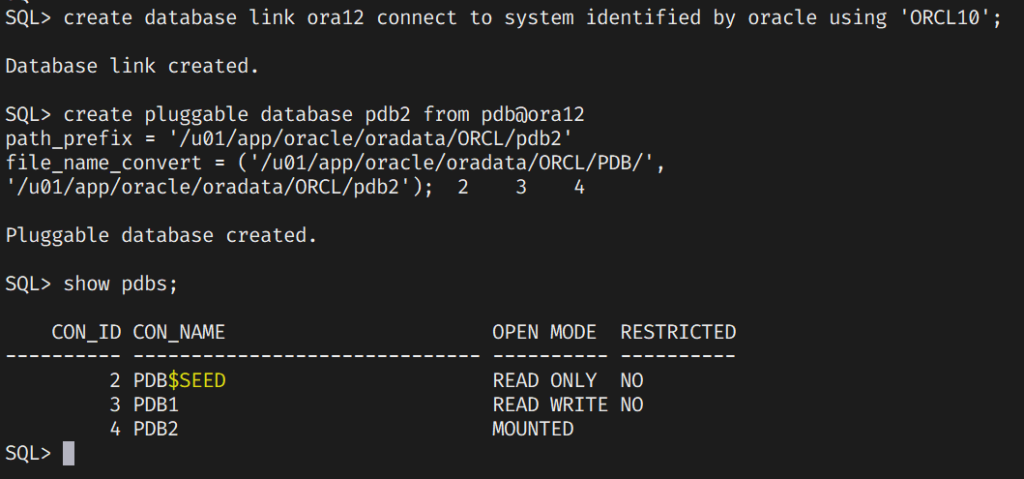
create database link mydb1 connect to system identified by oracle using 'MYDB';
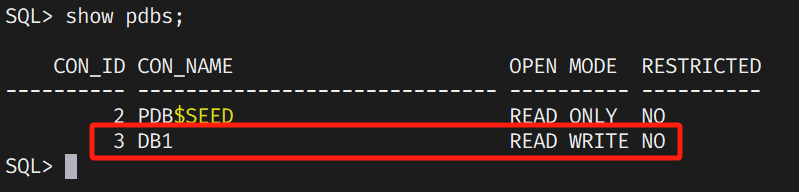
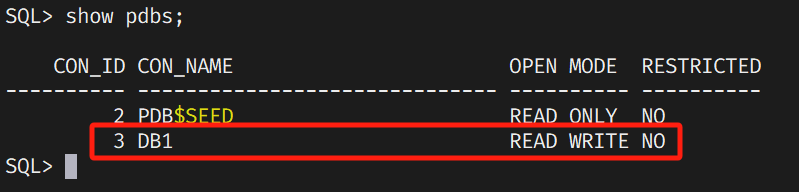
创建 PDB:
1
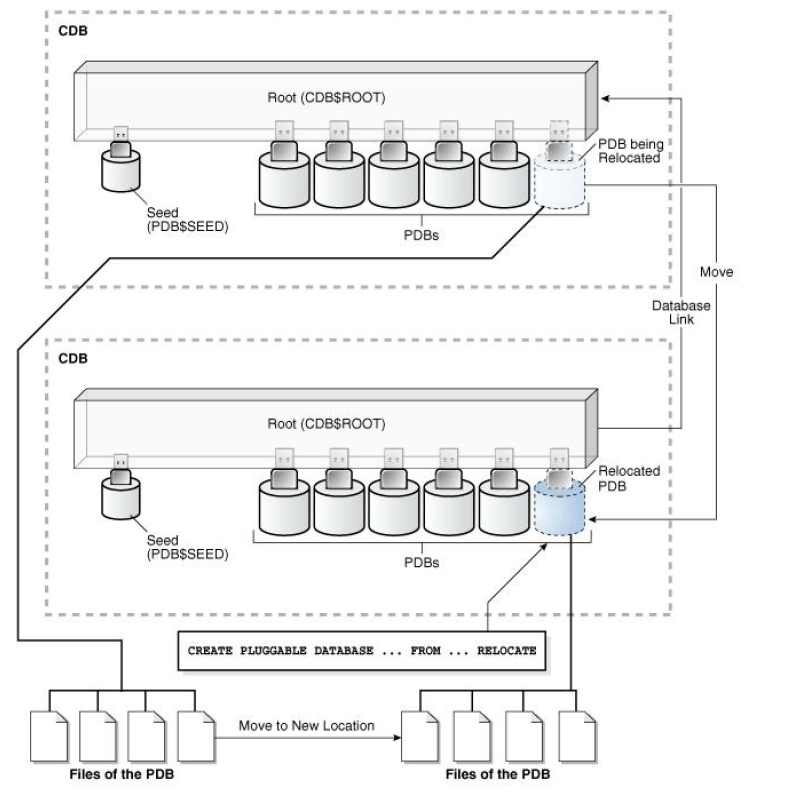
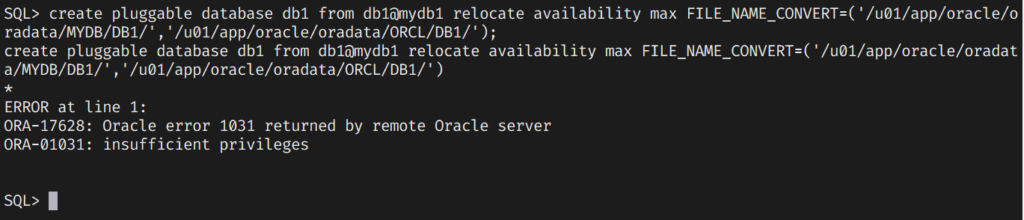
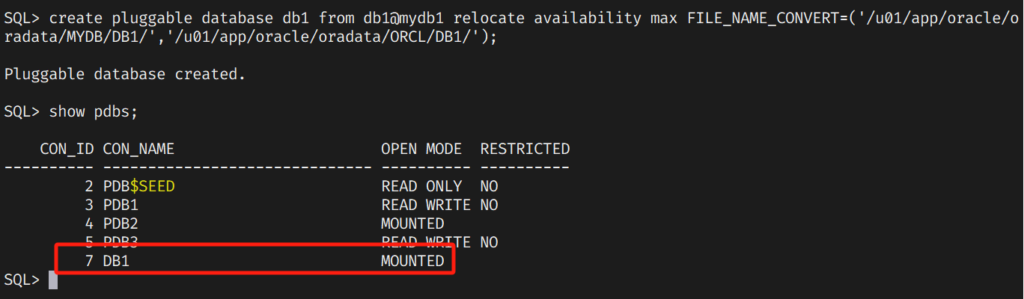
create pluggable database db1 from db1@mydb1 relocate availability max FILE_NAME_CONVERT=('/u01/app/oracle/oradata/MYDB/DB1/','/u01/app/oracle/oradata/ORCL/DB1/');
如果出现以下提示,则表明没有权限:
源端授权:
1
grant create pluggable database,cdb_dba,sysoper to system container=all;
如果出现 ORA-65348 代表源目标 PDB 与目标 PDB 名称不同:
1 2 3 4 5 6 7 8
[oracle@oel7-host2 dbhome_1]$ oerr ora 65348 65348, 00000, "unable to create pluggable database" // *Cause: An attempt was made to relocate a pluggable database with // availability max clause using a target pluggable database name // which is different from source pluggable database name. // *Action: Use source pluggable database name as the target pluggable database // name. //
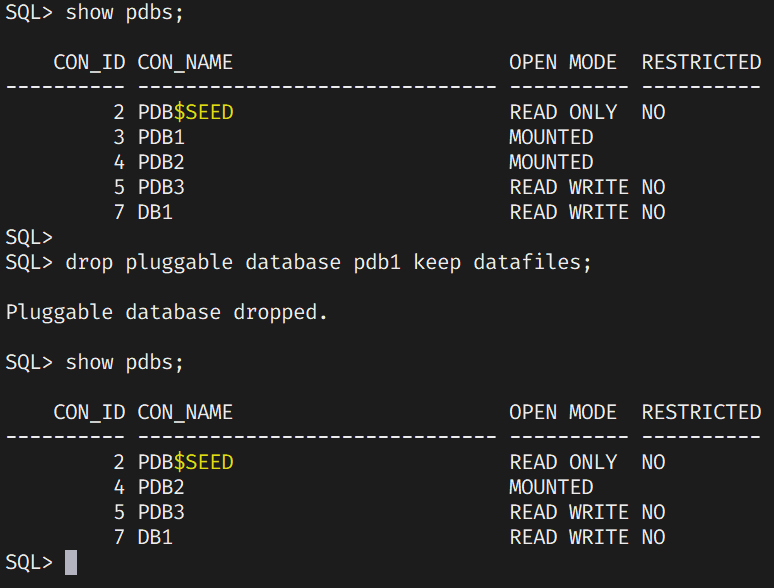
alter pluggable database pdb1 close immediate; alter pluggable database pdb1 unplug into '/home/oracle/pdb1.xml'; drop pluggable database pdb1 keep datafiles;
此时 PDB1 已经移除了:
重新插入 PDB1:
1
create pluggable database pdb1 using '/home/oracle/pdb1.xml' nocopy tempfile reuse;
示例二:使用 AS CLONE 和 NOCOPY 子句插入拔出的 PDB
1 2 3 4
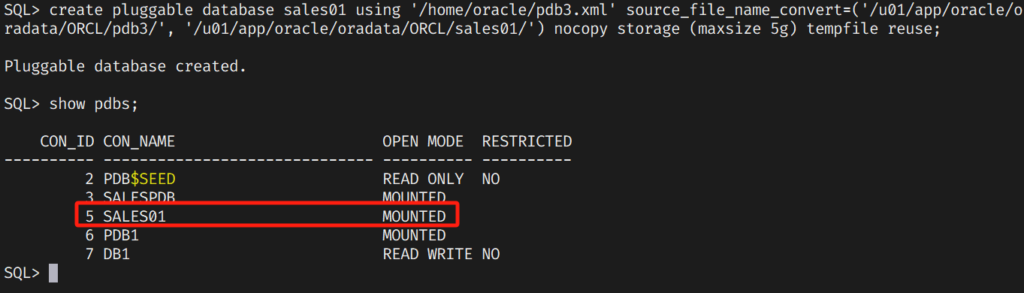
alter pluggable database pdb2 close immediate; alter pluggable database pdb2 unplug into '/home/oracle/pdb2.xml'; drop pluggable database pdb2 keep datafiles; create pluggable database salespdb as clone using '/home/oracle/pdb2.xml' nocopy tempfile reuse;
alter pluggable database pdb3 close immediate; alter pluggable database pdb3 unplug into '/home/oracle/pdb3.xml'; drop pluggable database pdb3 keep datafiles;
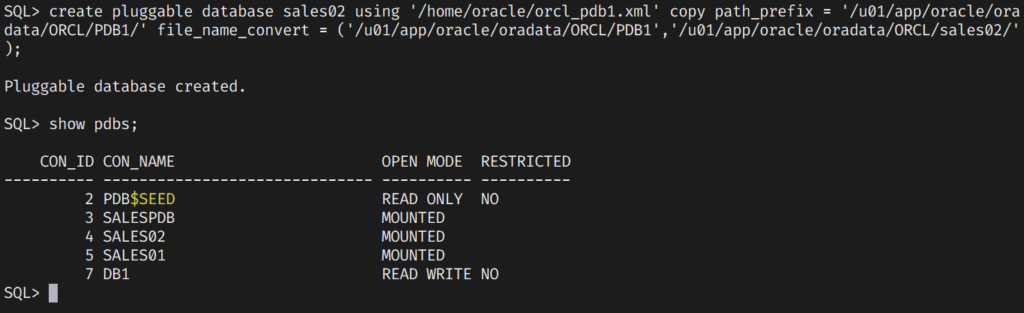
alter pluggable database pdb1 close immediate; alter pluggable database pdb1 unplug into '/home/oracle/orcl_pdb1.xml'; drop pluggable database pdb1 keep datafiles;
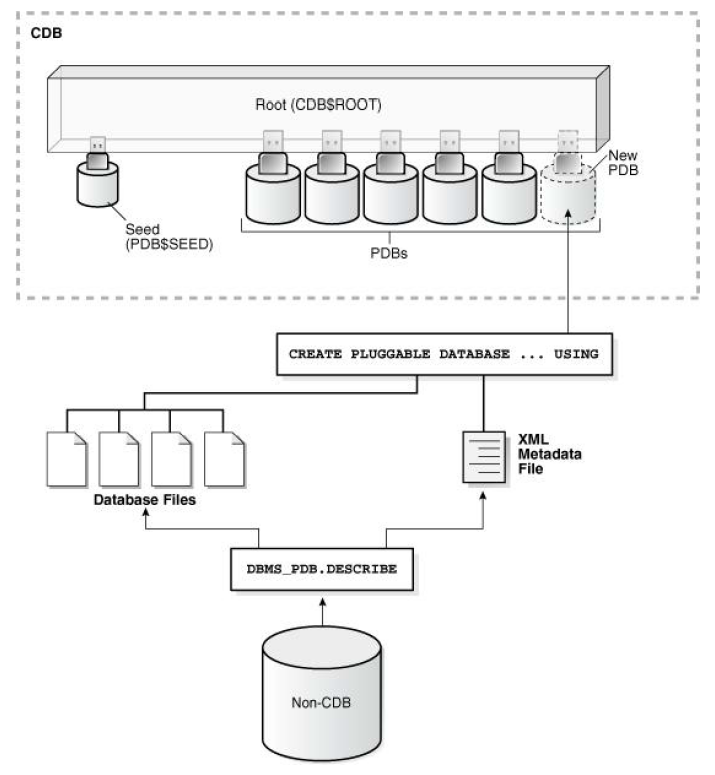
begin dbms_pdb.describe( pdb_descr_file => '/home/oracle/ncdb.xml');end; /
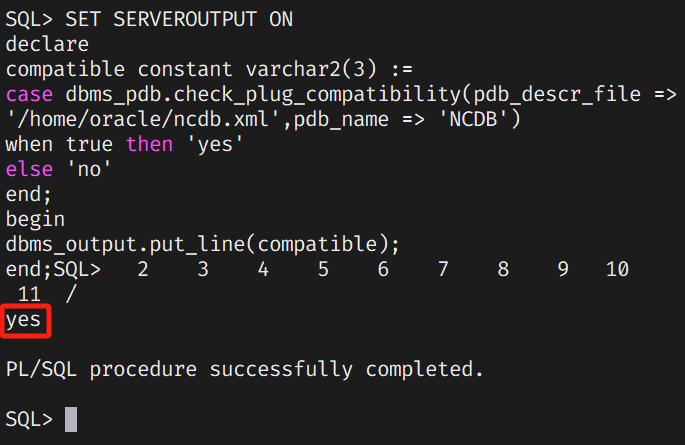
在 CDB 数据库中确认是否兼容:
1 2 3 4 5 6 7 8 9 10 11 12
SET SERVEROUTPUT ON declare compatible constant varchar2(3) := case dbms_pdb.check_plug_compatibility(pdb_descr_file => '/home/oracle/ncdb.xml',pdb_name => 'NCDB') when true then 'yes' else'no' end; begin dbms_output.put_line(compatible); end; /







评论· · · · · ·